
Module 3 | Introduction to Ghost
Session 1
1 hour
Theme
Session
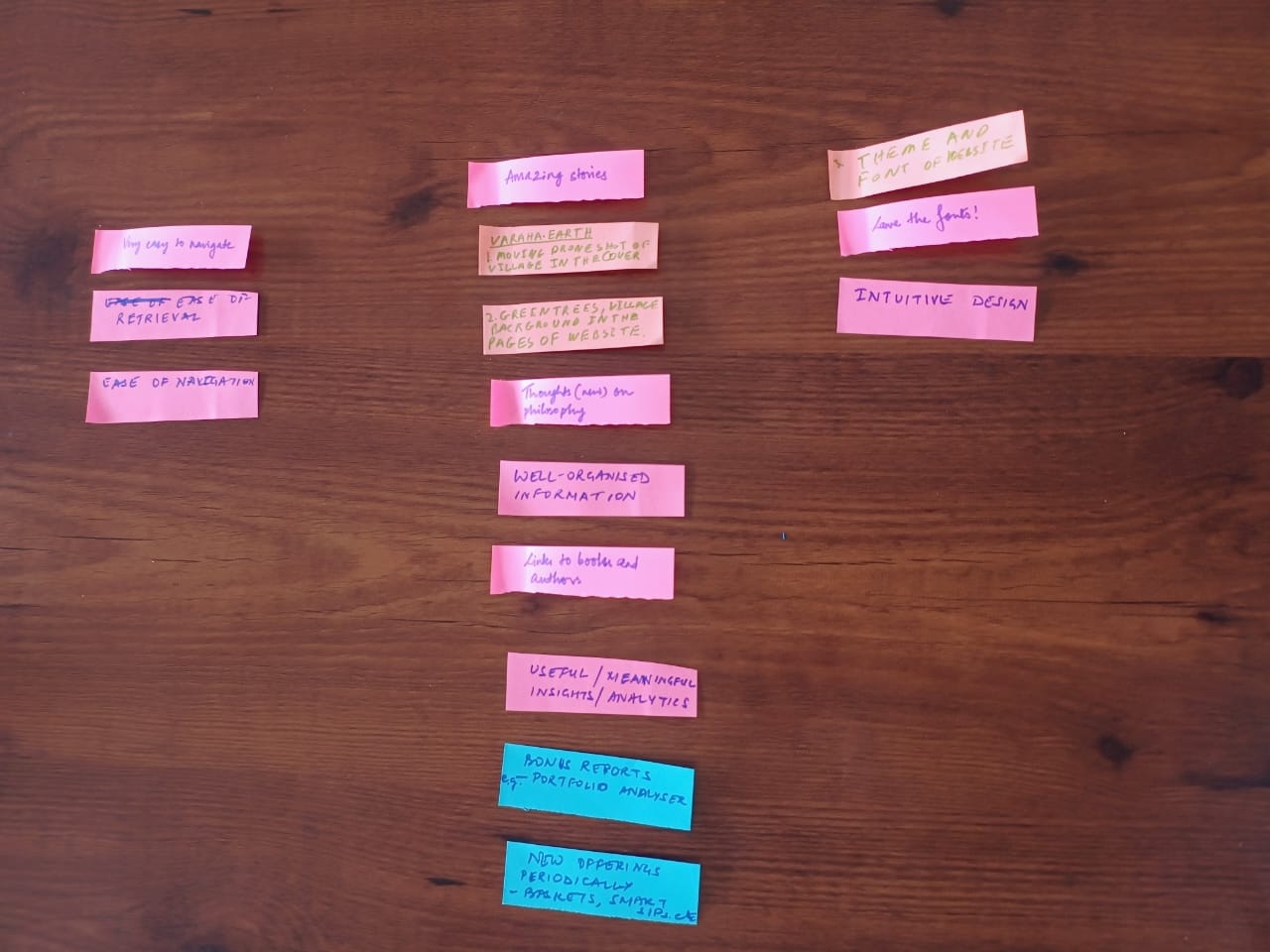
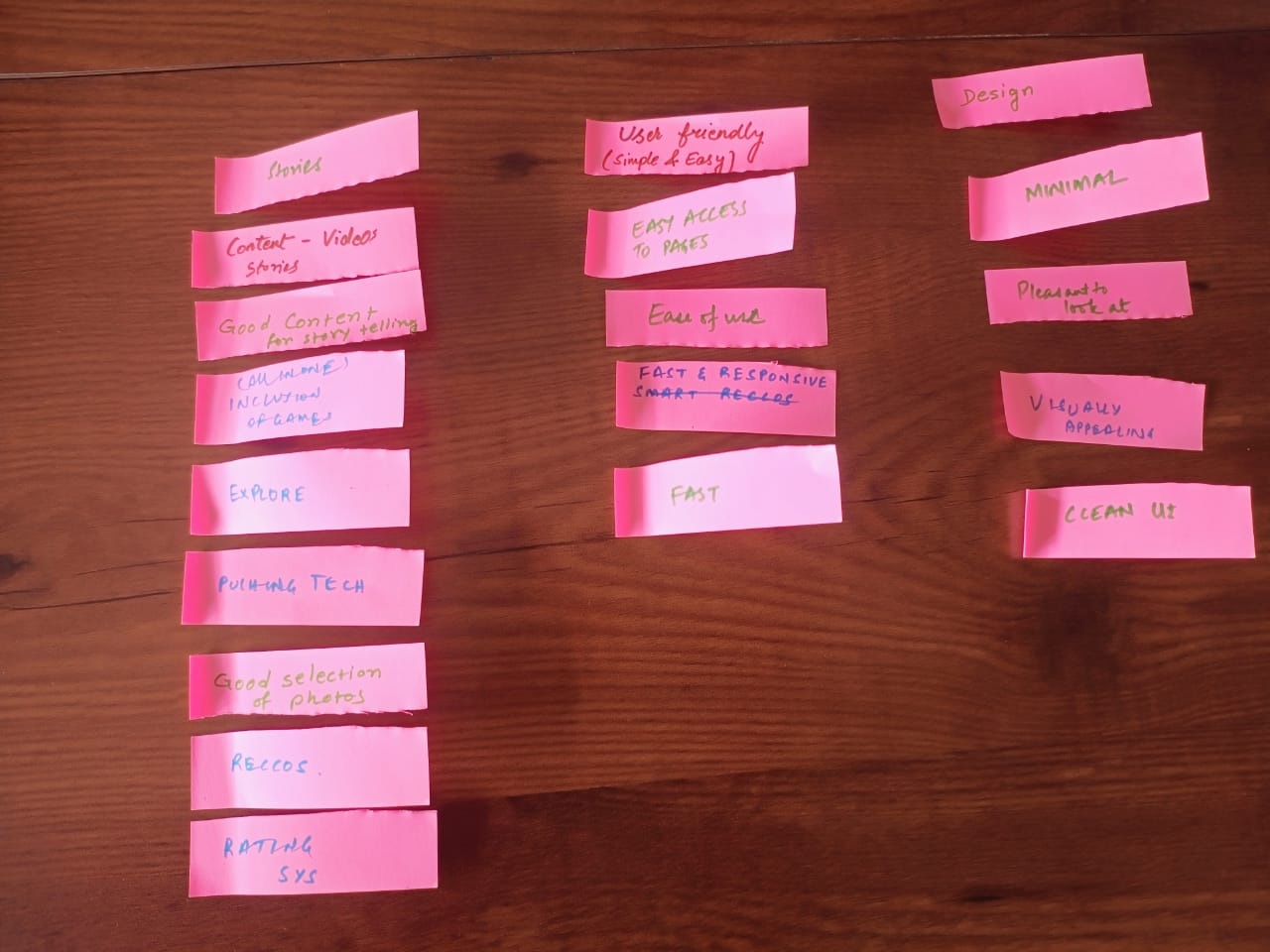
Understanding the characteristics of a good website
Materials needed
For the participants: Sticky notes, cards and sketch pens
For the facilitator: Sticky notes and sketch pens
Methodology
Ground rules to set for all sessions:- Bring only the devices you need to the session. Note to facilitator: Explain here what is needed for this particular session- Mute mobile phones before you put them away- Encourage the participants to take space and make space. To take up space is to speak up and participate actively in discussions and putting their ideas and perspectives across. It is equally important to make space for others to do the same. Note to facilitators: Ensure you check in about this throughout the sessions, especially by making space for those who are not used to taking up space or struggling to do so.- This is a safe space, and we encourage everyone to check their privilege and ensure that we do not discriminate in speech or action.- Do remember there are no right or wrong answers. Note to facilitator: Repeating this during the sessions and activities helps participants speak up more freely.
Learning outcomes
Session 2
2 hours
Theme
Introduction to Ghost
Methodology
Ground rules to set for all sessions:- Bring only the devices you need to the session. Note to facilitator: Explain here what is needed for this particular session- Mute mobile phones before you put them away- Encourage the participants to take space and make space. To take up space is to speak up and participate actively in discussions and putting their ideas and perspectives across. It is equally important to make space for others to do the same. Note to facilitators: Ensure you check in about this throughout the sessions, especially by making space for those who are not used to taking up space or struggling to do so.- This is a safe space, and we encourage everyone to check their privilege and ensure that we do not discriminate in speech or action.- Do remember there are no right or wrong answers. Note to facilitator: Repeating this during the sessions and activities helps participants speak up more freely.
Ghost sessions
Ghost Introduction
Creating an Account and Setting up Ghost
Dashboard Overview of Ghost
Creating a Blog Post & pages
Advance: Post Settings vs. Page Settings
Saving and Publishing Posts & pages
Customizing the Theme
Adding Team Members
Managing SEO
Session 1:
Ghost Introduction
Theme:
To introduce participants to Ghost, a platform for creating websites, blogs, and newsletters, and inspire them to use it for storytelling.
Materials Neede:
Projector or screen.
Laptop with internet connection.
Methodology
Facilitator
1- Welcome and Warm-Up (5 minutes):Welcome everyone! Today, we are going to explore Ghost, an amazing platform designed to help you share stories through websites, blogs, and newsletters. The best part? You don’t need any coding experience to get started.
Have you ever wanted to share your stories with others but felt unsure about how to use the technology? Ghost is perfect for storytelling, whether you want to share your ideas, connect with a community, or showcase your work.
By the end of this session, you will feel confident and excited to explore Ghost.
2. What is Ghost? Facilitator:So, what exactly is Ghost? It’s a simple and user-friendly platform where you can create:
Websites to showcase your work.
Blogs for sharing stories and ideas.
Newsletters to connect with your audience."
Now, let’s compare this to using a programming language. Imagine you want to create a blog and share weekly updates with your followers or audience. You could solve this problem in two ways:
Example- Option 1: Use Code- You’d need to:
Write HTML for the structure of your website.
Use CSS to make it look good.
Add JavaScript for any interactive elements. etc….
This requires time, effort, and coding knowledge—and even small mistakes can cause big problems!

Important Note:
We are not saying you shouldn’t use code. If you enjoy coding or have the skills, it can be an amazing way to create a fully customized website. However, this session is designed for people who may not have coding knowledge or simply want a quicker and easier way to get started. Ghost is a perfect tool for that.Option 2: Use Ghost- With Ghost, all of this is done for you:
Choose a template to design your blog.
Write and publish your stories using an easy editor—no coding needed.
Send newsletters directly using the built-in tools.
Building web pages for the site.
Example -
In simple terms, using code is like building a car from scratch which takes a lot of time and effort. while Ghost is like buying a ready-made car that you can customize and start driving right away. Ghost lets you focus on your content and storytelling without worrying about the technical parts.
3. Show Examples (10 minutes)Facilitator:
Let’s look at some real-life examples to inspire you.
aikyam Fellows: This group uses Ghost to document stories about their amazing work in social impact. (Show on projector/screen)
The Ignite Foundation: Here’s another example. The Ignite Foundation shares powerful stories about their initiatives using Ghost. (Show on projector/screen)
4. What Makes a Ghost Special? (10 minutes)Facilitator:
Here is why Ghost is so awesome:
Storytelling Made Easy: You can focus on your content without worrying about technical stuff.
Customizable: You can design your site the way you want.
Built-in Tools: Features like newsletters are already included—no need to set up extra tools.
Outcome:
Participants will understand the purpose of Ghost and feel motivated to explore it as a platform for storytelling.
Session 2: Creating an Account and Setting up Ghost
Theme:Guide participants to create their own Ghost account and set up their site.
Materials Neede:
Participants’ devices
Shared Ghost instance URLs (provided by aikyam)
Methodology
Sign up for Ghost -Guide participants through creating a Ghost account and setting up their site.Facilitator Instructions:1- Ask participants to open their web browser and navigate to the Ghost instance shared with them (provided by aikyam before the session).
2- Instruct them to click “Get Started” and guide them to sign up using their email and set up their site.
Outcome: Participants will have their own Ghost account and access to the dashboard.
Session 3. Dashboard Overview of Ghost
Show the Dashboard- Help participants get comfortable using the Ghost dashboard by explaining the main sections.Facilitator
Materials Share your screen to show the Ghost dashboard and explain each section:Neede:
-
Facilitator’s
- laptop
Posts: Where they can create, edit, and manage blog posts. -
Pages:TVFor static pages like "About" or "Contact."
Tags: Organise posts with tags to help with categorization.screen
Outcome- Participants will understand how to use the Ghost dashboard, including the purpose of Posts, Pages, and Tags.Methodology
Facilitator Instructions:
Session 4. Creating a Blog Post & Pages
Creating a Post- Teach participants how to create and format a post using Ghost. Show examples of posts to highlight the elements they will use.
Explain the Activity:
Let participants know they will practice creating a post by adding a title, uploading an image, writing content, and using extra elements like buttons and callout boxes.
Facilitator Instructions:
-
Add a Title to their post.
-
Upload an Image: Click the image icon to upload a featured image.
-
Start Writing Content: Encourage them to explore the editor.
-
Use the “+” Button for Additional Elements.
-
Direct participants to the Posts section in the left menu.
-
Guide them to:
Show the Available Features:
Facilitator Note-
Use this Style Guide example to show participants how to make their posts look better. Go over basic elements like headings, lists, quotes, and images to help them organise and style their post.
Activity: Participants Create Their Own Blog Post-
TASK- Ask participants to create a blog post on a topic of their choice and use at least 5 of the features shown.
Outcome- Participants will create a formatted blog post with a title, content, featured image, and additional elements, gaining confidence in using Ghost’s editor.
Creating a Page:
- Explain the difference between posts and pages. Learn how to create a new page.
Example -Show this example to participants to get the idea how to create a web page.
Facilitator Instruction: Guide participants through creating a blank page
- Go to Pages from the left menu.
-
Click on New Page.
-
Add a Title to the page.
- Start Writing Content: Encourage them to explore the editor.
- Use the “+” Button for Additional Elements.
- Use Ghost Elements for formatting.
Activity: Participants Create Page (40 min)
Task - Ask participants to choose any one of the given examples and create that web page.(only for practice)
Outcome - Participants will gain the skills to create, format, and publish web pages using Ghost. They will be able to add different elements like images, buttons, and headings to make their pages look good.
Session 5. Explaining Post Settings vs. Page Settings
-Guide them through how they can access this page settings and post setting.
Step by step-
Click on the setting icon in top right. Please explain the example provided below
-
Page URL
-
Publish date
-
Tags
-
Page access
-
Excerpt
-
Authors
-
Template
Key Differences:
Session 6. Saving and Publishing Posts & Pages
Saving and Publishing:
- Guide participants through saving and publishing their posts or pages.
Facilitator Instructions:
- Show how to save posts as drafts, schedule for later, or publish immediately.
Step-by-Step Instructions for Saving and Publishing
-
-
Saving as Draft
-
Publishing Immediately
-
Scheduling for Later
-
Publish Only (Without Email)
-
Publish and Email (Notify Subscribers)
-
Email Only (Without Publishing)
-
Outcome: Participants will be able to save drafts, schedule, and publish posts or pages confidently.
Session 7. Advance setting for site & Editing the Theme
Editing theme:
- Introduce participants to basic theme customization options.
Facilitator Instructions- Teach participants how to change site settings and customise the theme.
Steps:
General Site Settings (15 minutes)
- Show participants how to set the Site Title and Site Description (what the site is about).
- Explain how to add a Logo and link Social Media accounts.
- Teach how to change the Language and Timezone.
- Show how to set up Membership settings if the site has members.
Activity:
-Ask participants to update their site settings (title, description, logo) and try changing the theme.
Outcome- Participants will know how to navigate theme settings to make basic customizations.
Session 8. Adding Team Members
Invite Team Members-
Explain how to add other users to their Ghost site for collaboration.
- Show participants the Settings > Team section, where they can invite team members by entering their email addresses.
Facilitator Instructions-
Explain the four roles in Ghost and what permissions each role has:
-
Administrator: Full access to the site, including settings, team management, and content. Can invite, manage, and remove users.
-
Editor: Can manage, edit, and publish all content but cannot access site settings or team management.
-
Author: Can create and publish their own posts but cannot edit or publish posts by other users.
-
Contributor: Can write and submit posts for review but cannot publish; posts need approval from an Editor or Administrator
Outcome- Participants will be able to add team members, assign roles, and understand the permissions each role has for collaboration.
Session 9. Managing SEO
SEO Basics- Introduce participants to basic SEO settings for their posts and pages
Facilitator Instructions:
-
Show how to add meta descriptions, tags, and other SEO-related settings within the post editor and also in site settings.
Outcome- Participants will understand basic SEO settings in Ghost to improve visibility.
Learning outcomes
- Creating blog posts and pages in Ghost
- Understanding Ghost features and settings