
Jobs listing guidelines
Job Post- Body

1. Featured image
- Add org logo; 60x60 px ideally
- Canva link to edit logo: https://www.canva.com/design/DAGp2-ge9iI/cNbFlqouebHoHszglbncHA/edit?utm_content=DAGp2-ge9iI&utm_campaign=designshare&utm_medium=link2&utm_source=sharebutton
- Use grey background (page 2 on Canva) for logos that are not very visible or use only fonts
- All images to be under 200KB size
- Use grey background for logos that are not very visible or only use fonts in the logo
Reference: White bg



Reference: Grey bg

2. Post Title
This is the job designation or role as mentioned in the JD. This can also be the name of a fellowship or a fund. Basically, whatever it is that people need to apply for.
Examples of job titles
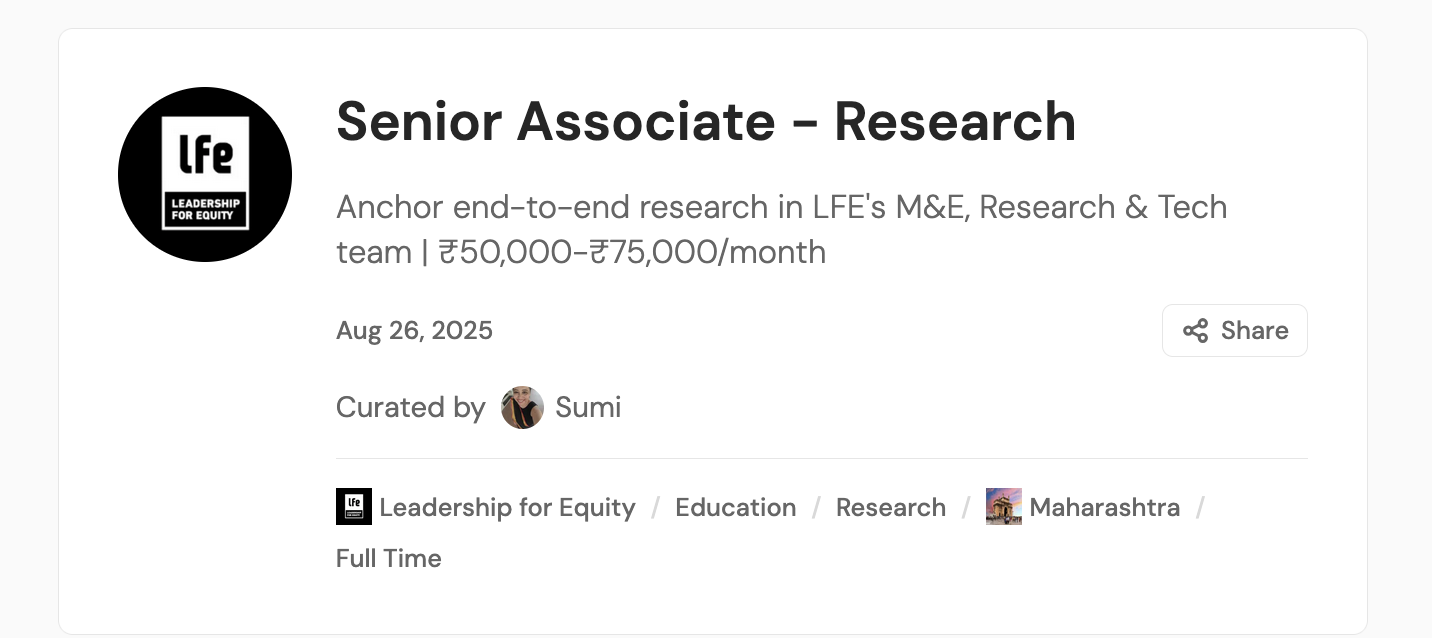
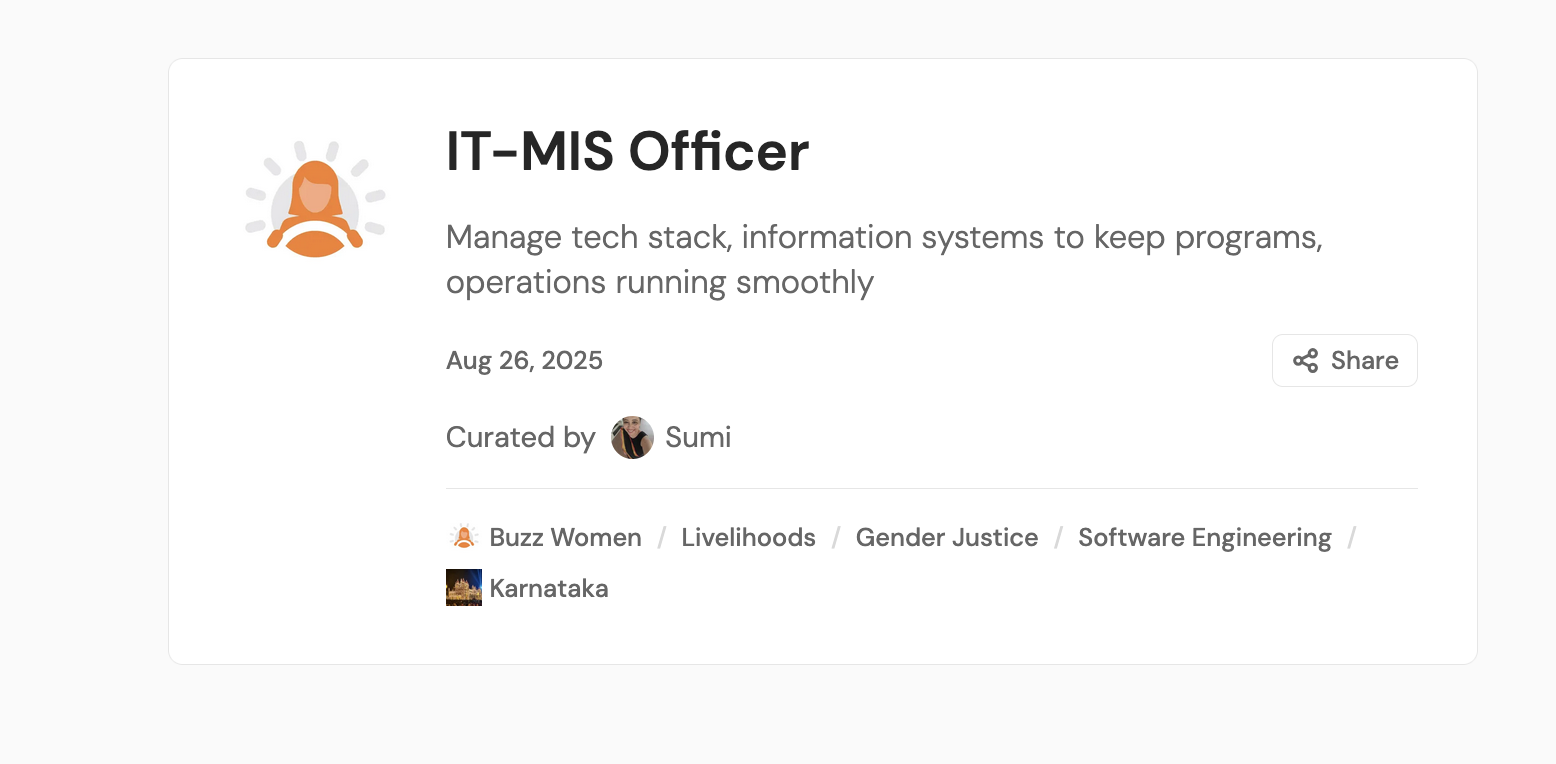
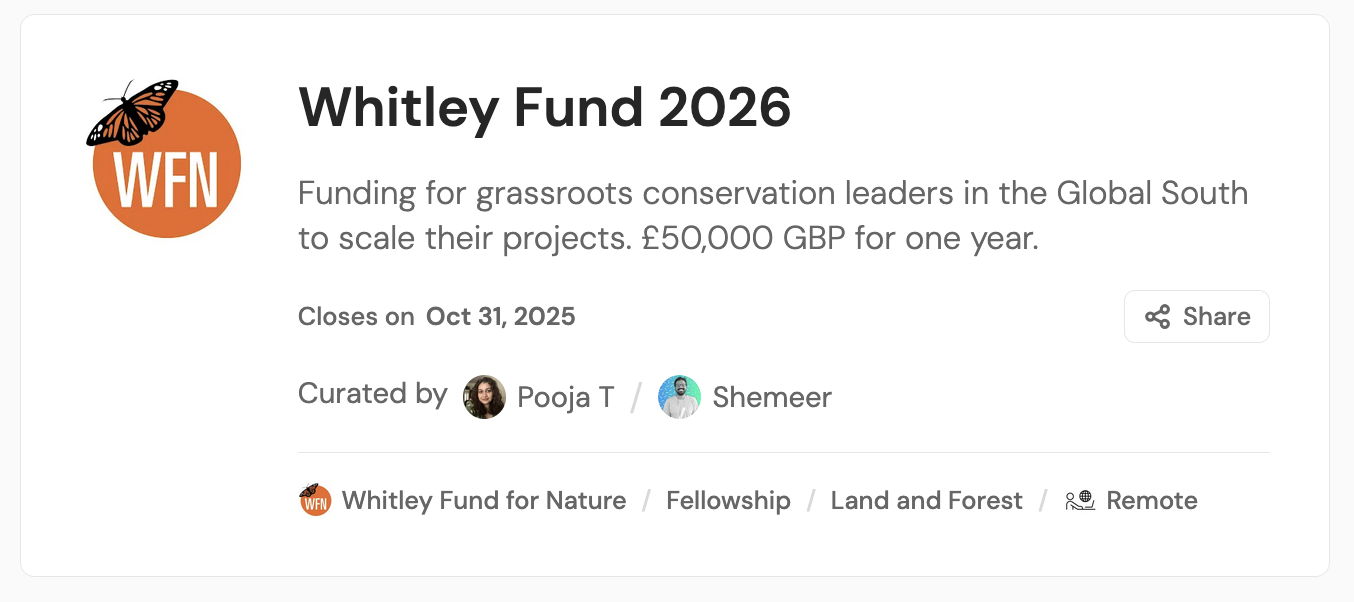
Examples of fellowships/funds

3. Job Snapshot
When you begin writing the post, start with the quick-look-jobs snippet
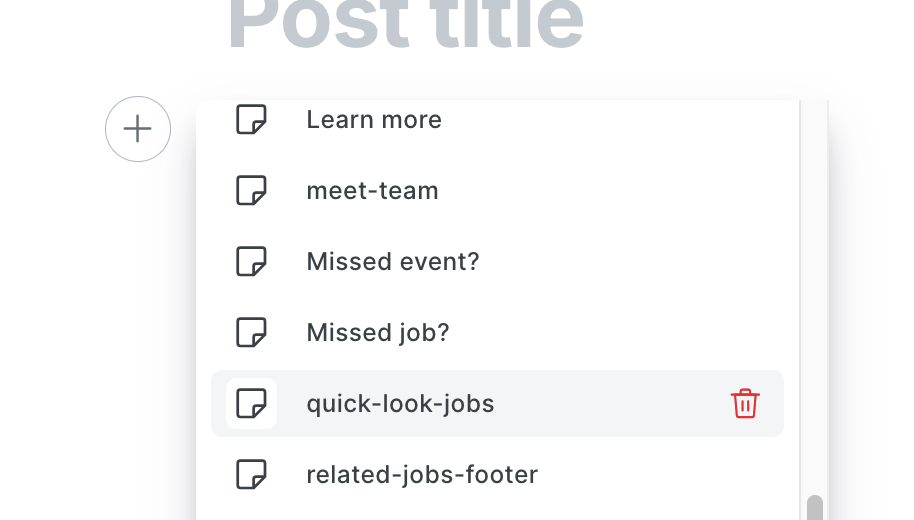
This will appear like this (below) on the page and can be edited to your needs.
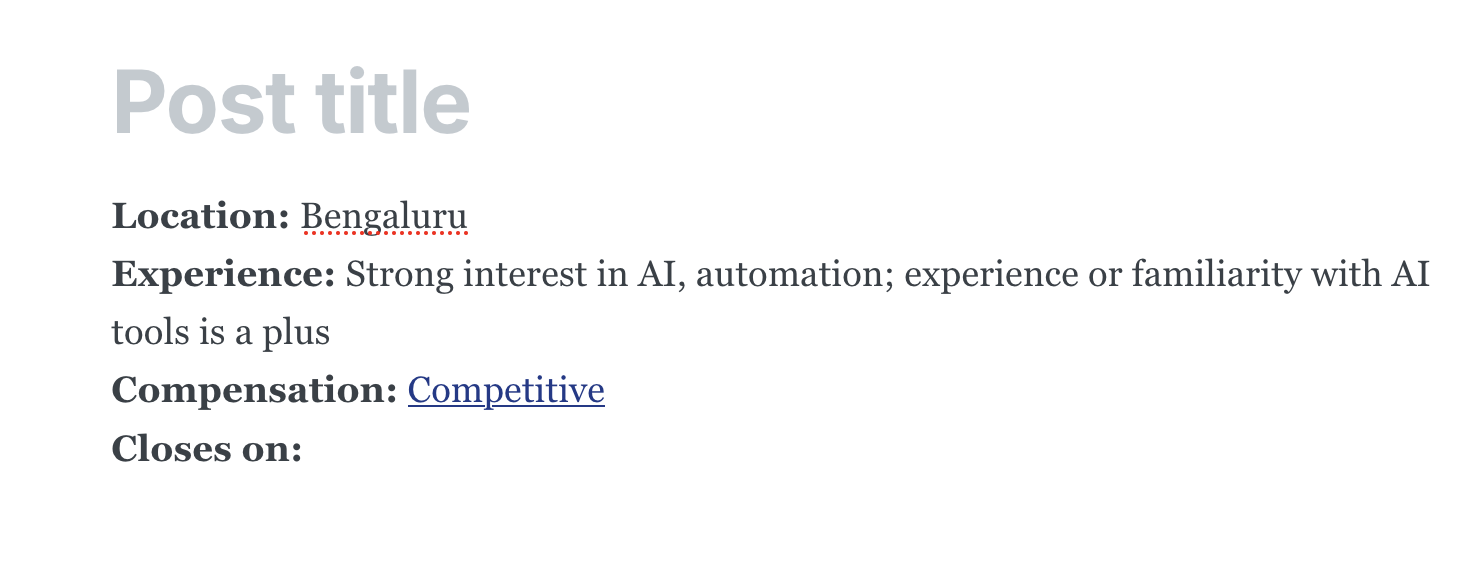
Location: Mention the location(s)
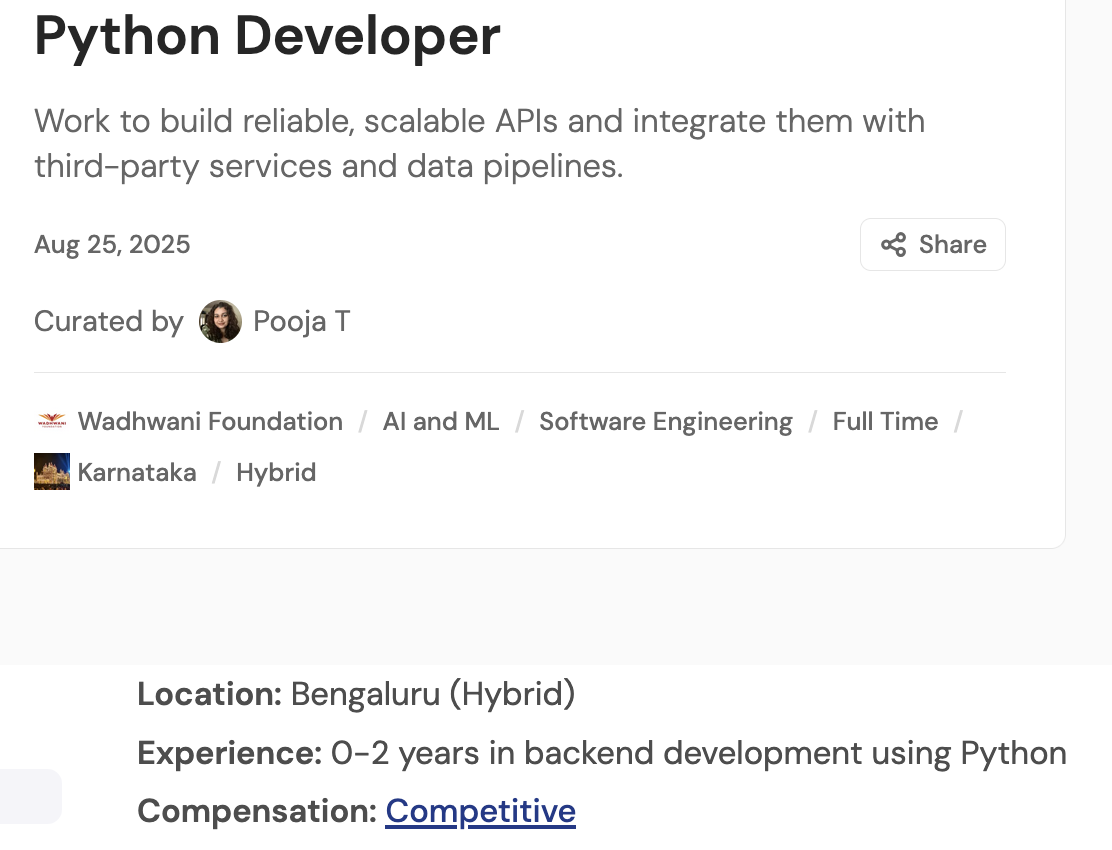
Experience: This sample had no experience mentioned per se as it was an opening for a fresher; where experience is mentioned, write number of years + what the experience should be in (sample screenshot below)
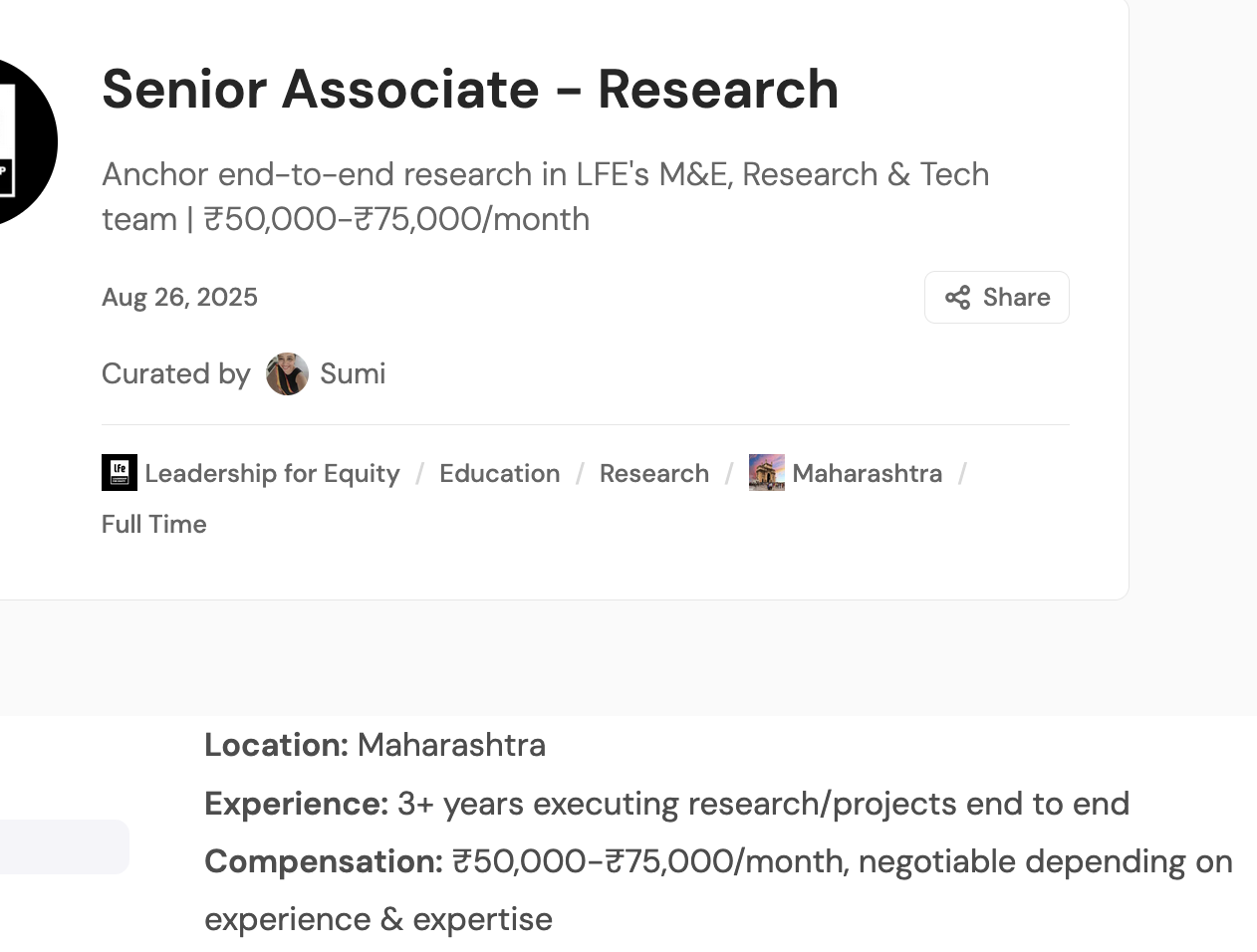
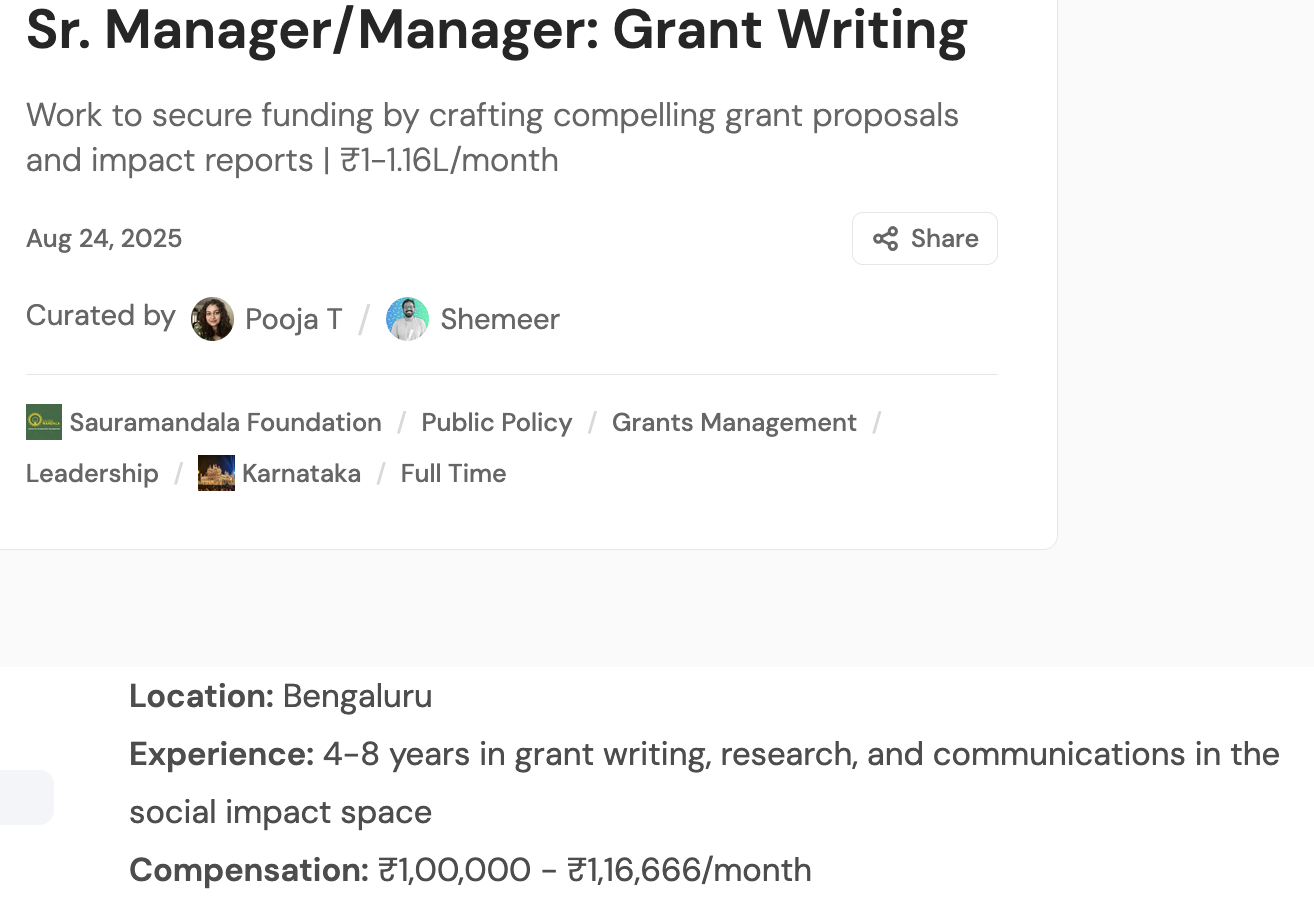
Compensation: Where compensation is clearly mentioned, write it in ₹xxxxx/month format; LPA can be estimated to a monthly salary and this can be rounded.rounded off. Where compensation is not mentioned, you can write Competitive/Commensurate with experience/Negotiable, etc. Please note that all such terms should be linked to https://aikyamjobs.org/help-us-fill-in-the-gaps/
Closes on: Use this where an Apply By date is mentioned; if not, you can delete this.
Some examples for reference:
4. Name of organisation/company
Use Heading 2 in Ghost text formatting for this.
5. Company Profile
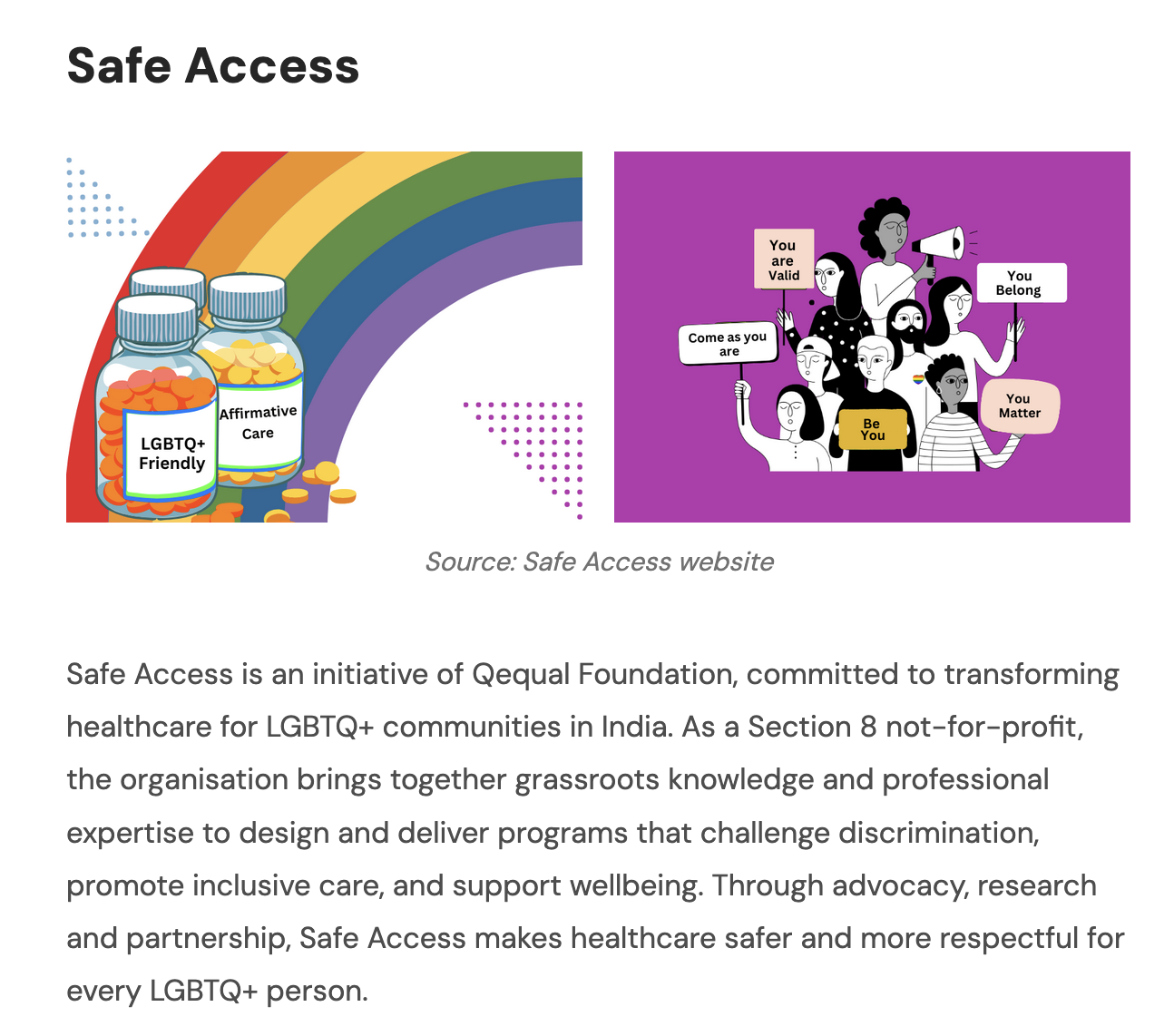
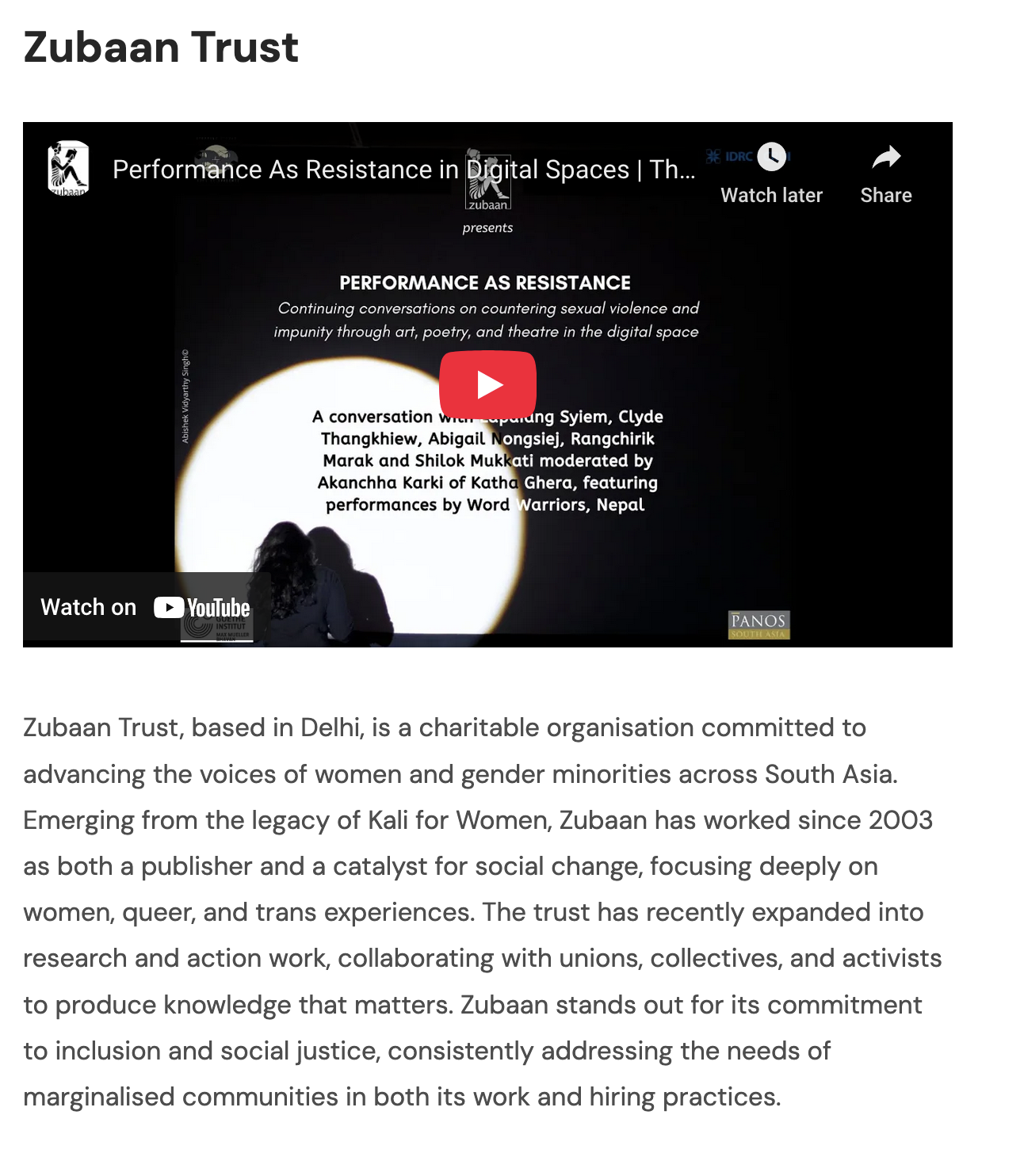
70-100 words. Keep the language simple, warm and engaging. No flowery descriptions. Use a YouTube video from the organisation's channel or a collection of images from the company website to visually describe the work they do. Credit images being taken in this format in the image caption - Source: XYZ website
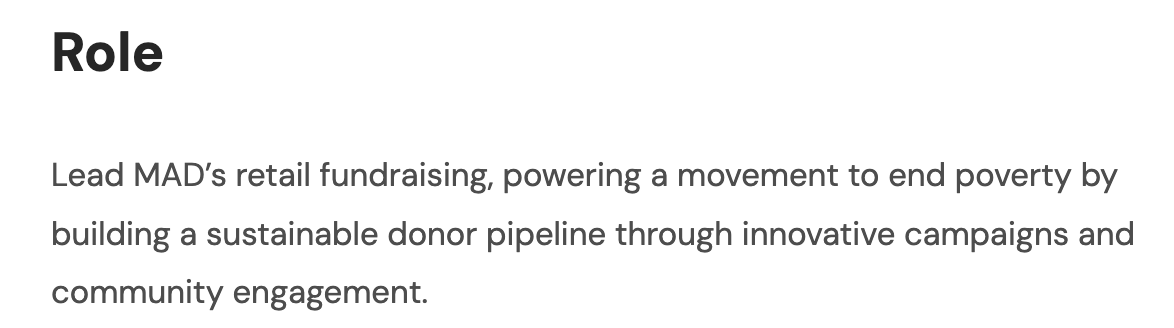
6. Role
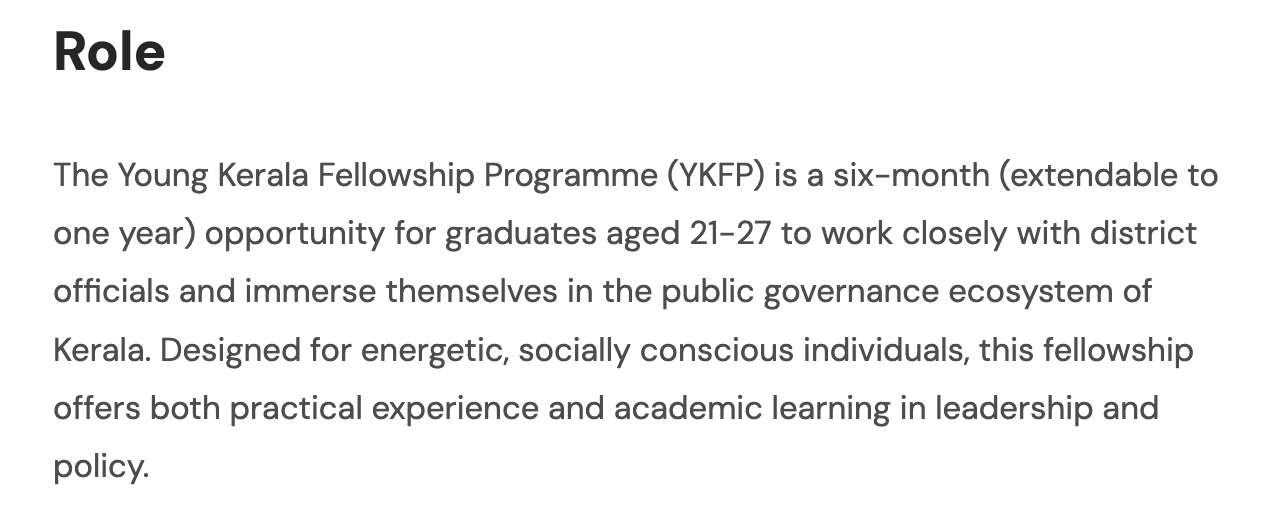
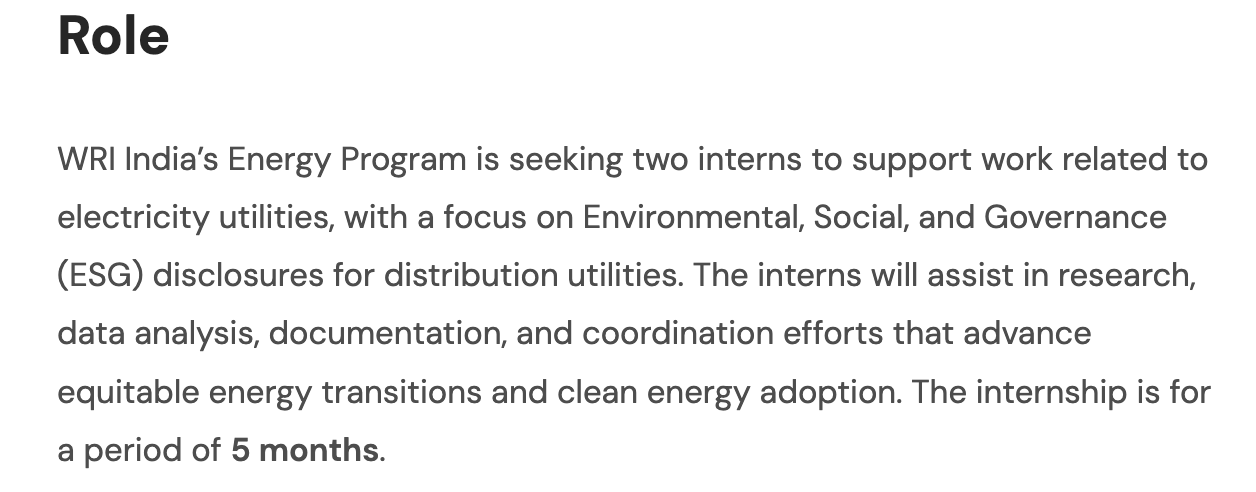
2-3 line intro to the role. The idea of the JD, including the role and other details below, is to simplify and break down the role so that it is clear and accessible to all job seekers. Simple English, preferably no jargon. If you are using AI tools to write, please share a few past JDs created by Pooja or Sumi as reference for the prompt.
7. Snippet: 'Subscribe-curated-jobs'
This snippet can also go at the end of the piece if that seems better for the flow.
8. Responsibilities, Requirements, Benefits
Use Heading 3 in Ghost text formatting for these sub titles under Role. Each of these should have a bullet-point list that explains:
Refer to 6. Role to understand style of writing.
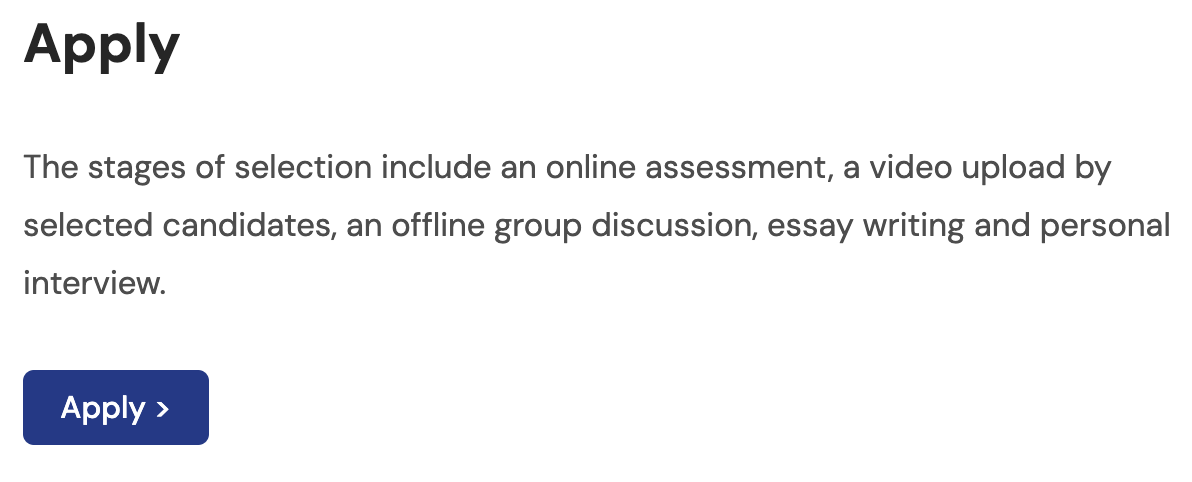
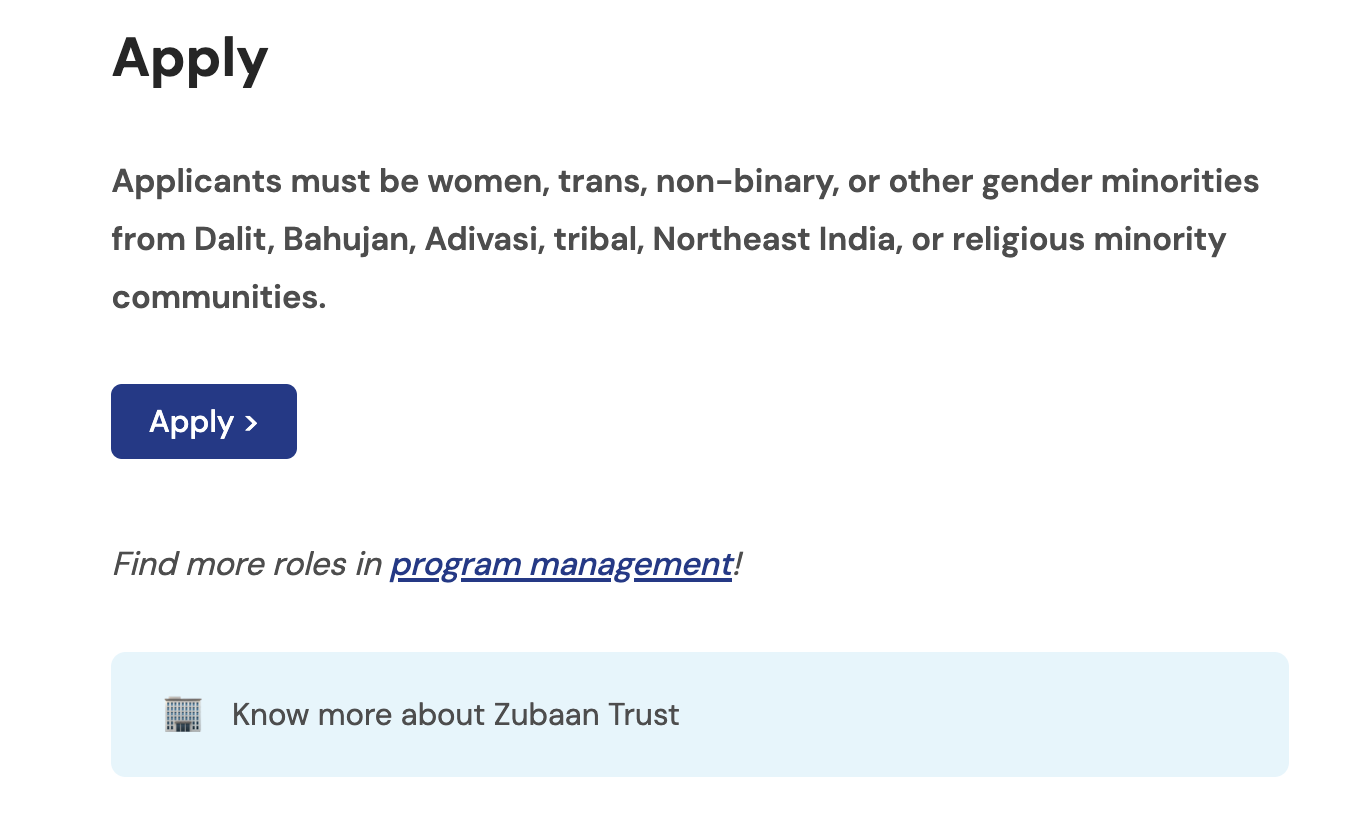
9. Apply
10. Snippet - 'related-jobs-footer'
Edit the text and link as needed.
For instance, if the role you are posting is a Communications role, you can change the text to Find more comms roles, and link it to https://aikyamjobs.org/tag/communications/
11. Snippet - 'company-footer'
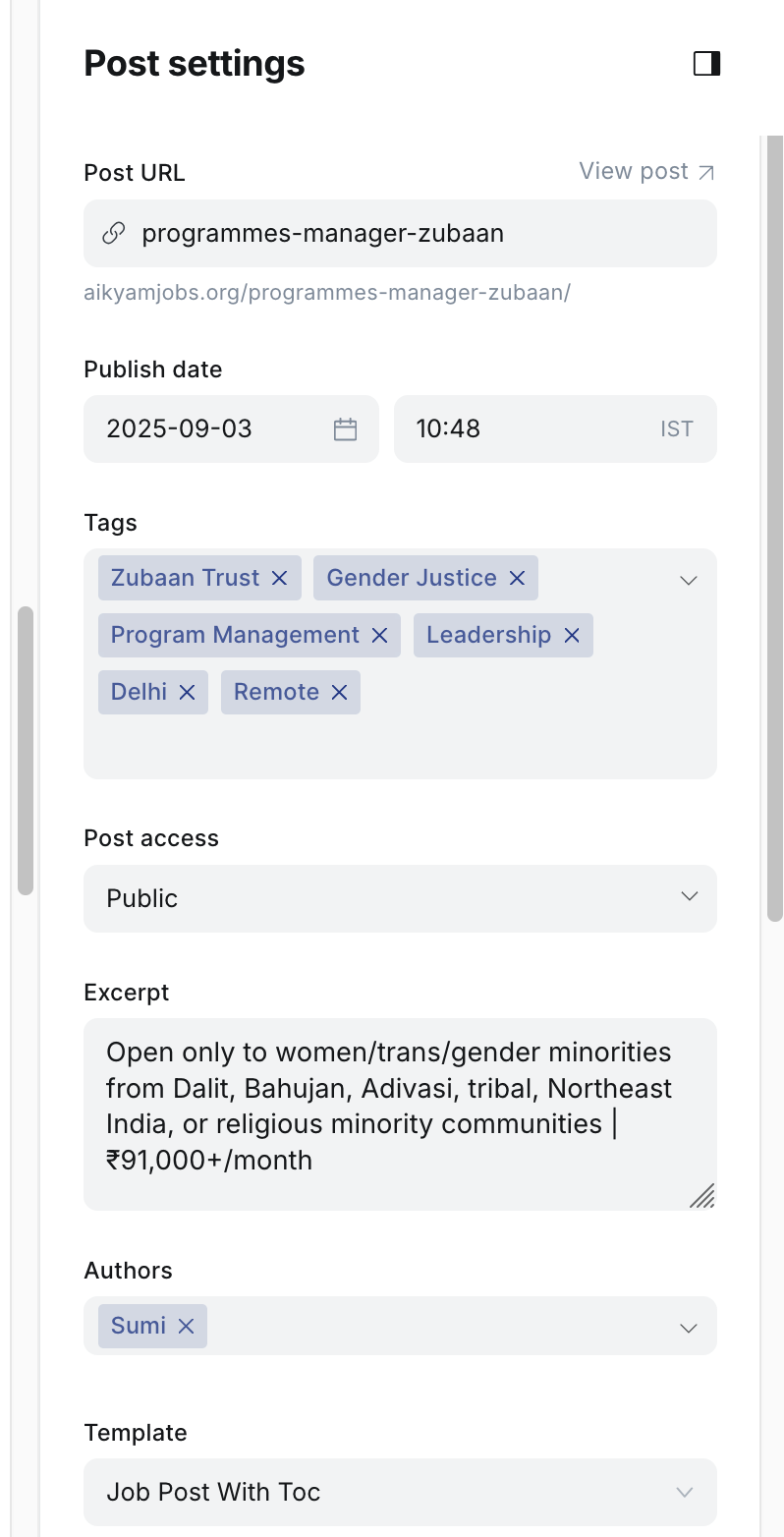
Settings
Preview
Always check preview and ensure everything is in place before posting